
Forge & Equipment Upgrades
Follow one Iron Chestplate through Stat Focus and verify how two points moved from Might to Recovery.
 GinezUp·Updated 21 November 2026
The Forge is the station shown in the model render. Use it to work on equipment. This guide follows one Common Iron Chestplate through Stat Focus and explains how to recover Parts from spare gear at the Salvage Bench.
1. Record the starting stats
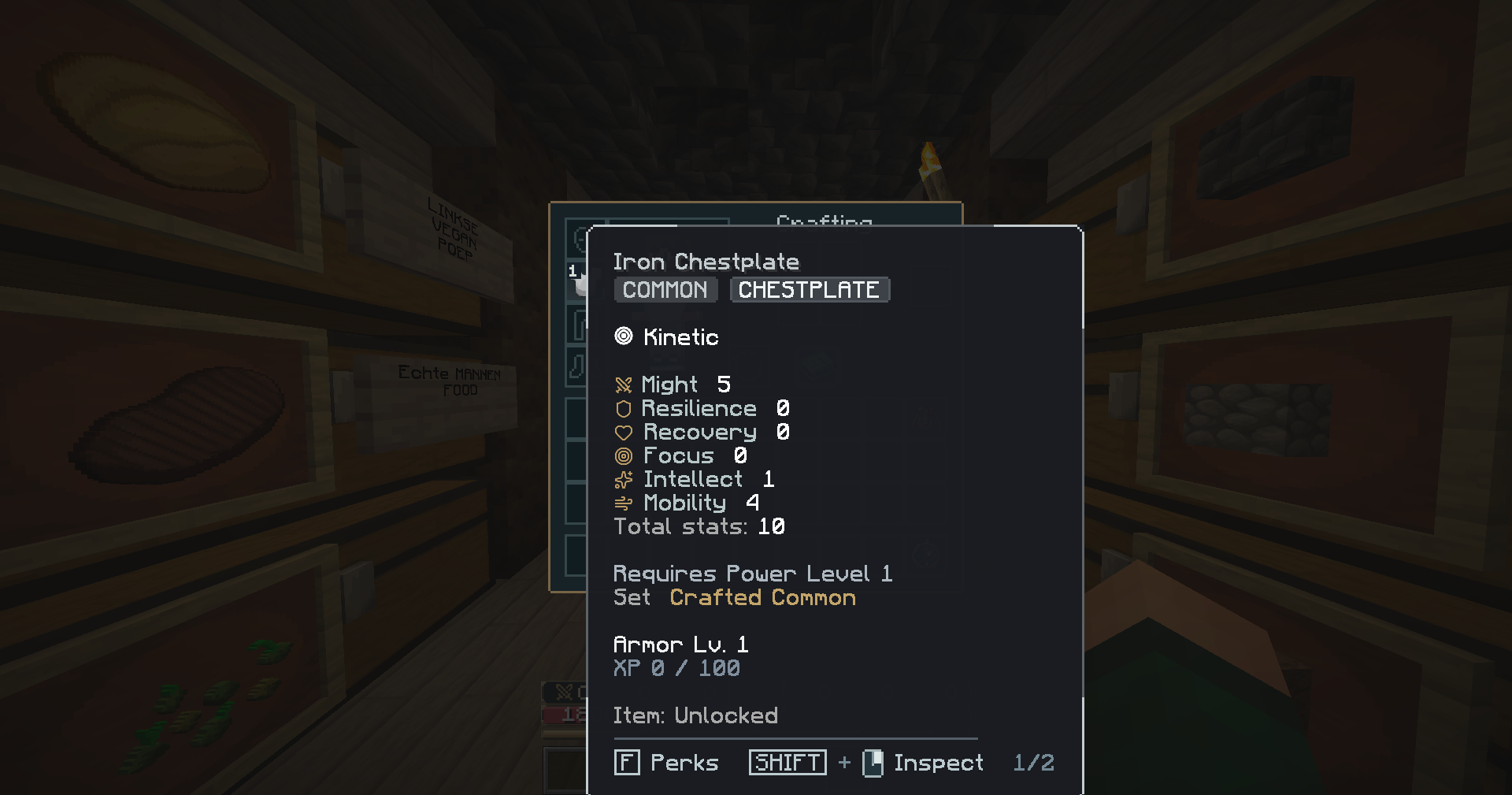
Hover over the chestplate in the inventory. Before reforging, it has Might 5, Resilience 0 and Recovery 0. Its total across all six stats is 10.
2. Select your equipment
Open a registered Forge and choose the Iron Chestplate. The Forge shows Power, Rarity and Reforge. Choose Reforge and then Stat Focus. Element Focus is the option for changing armor resistance.
3. Choose Recovery and review the cost
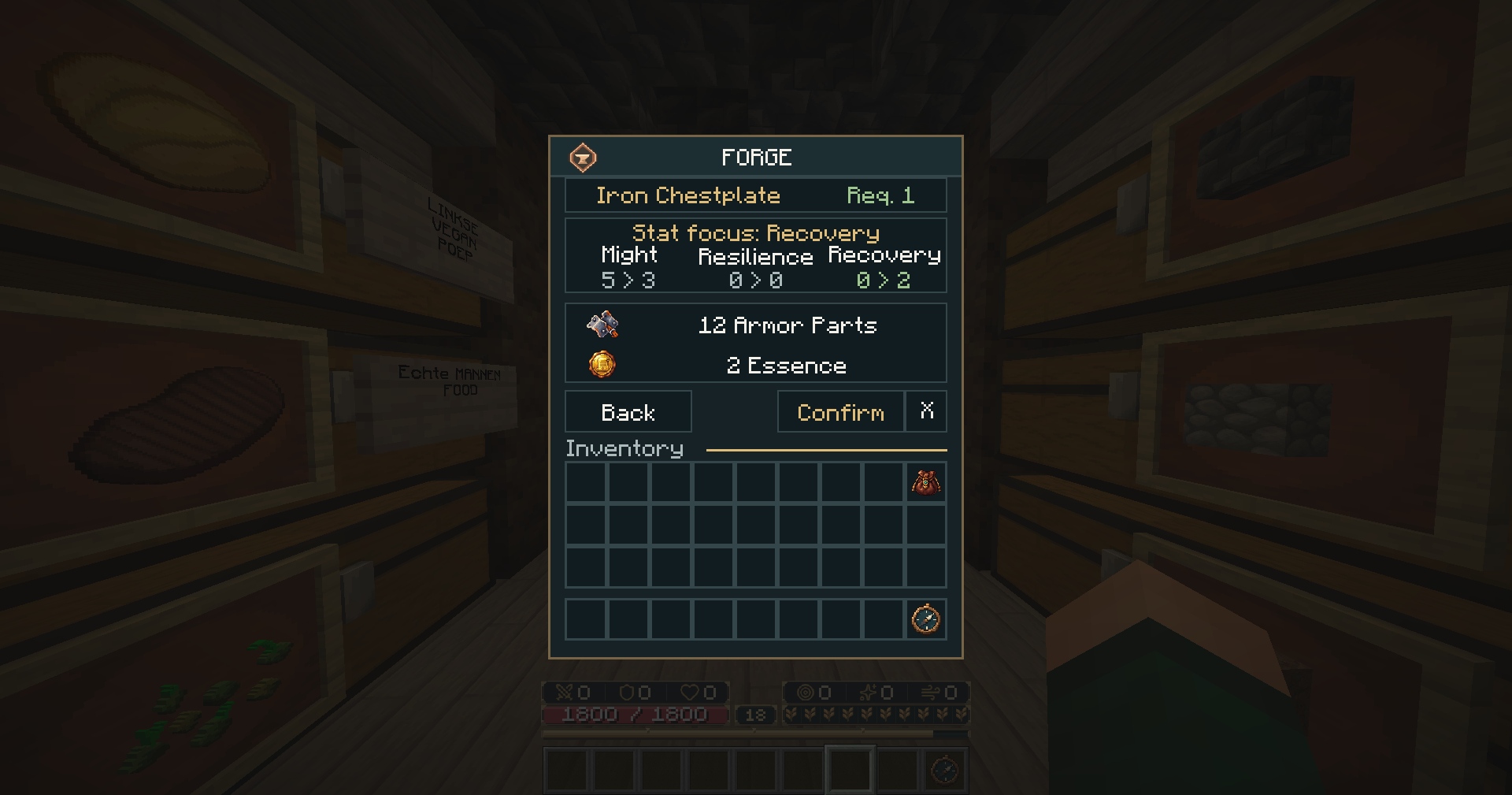
Select Recovery to see the change and cost before confirming. This chestplate moves from Might 5 to 3 and Recovery 0 to 2. Resilience stays at 0. Stat Focus redistributes existing points within the stat group. This reforge costs 12 Armor Parts and 2 Essence. Each piece can use Stat Focus once.
4. Confirm and verify the result
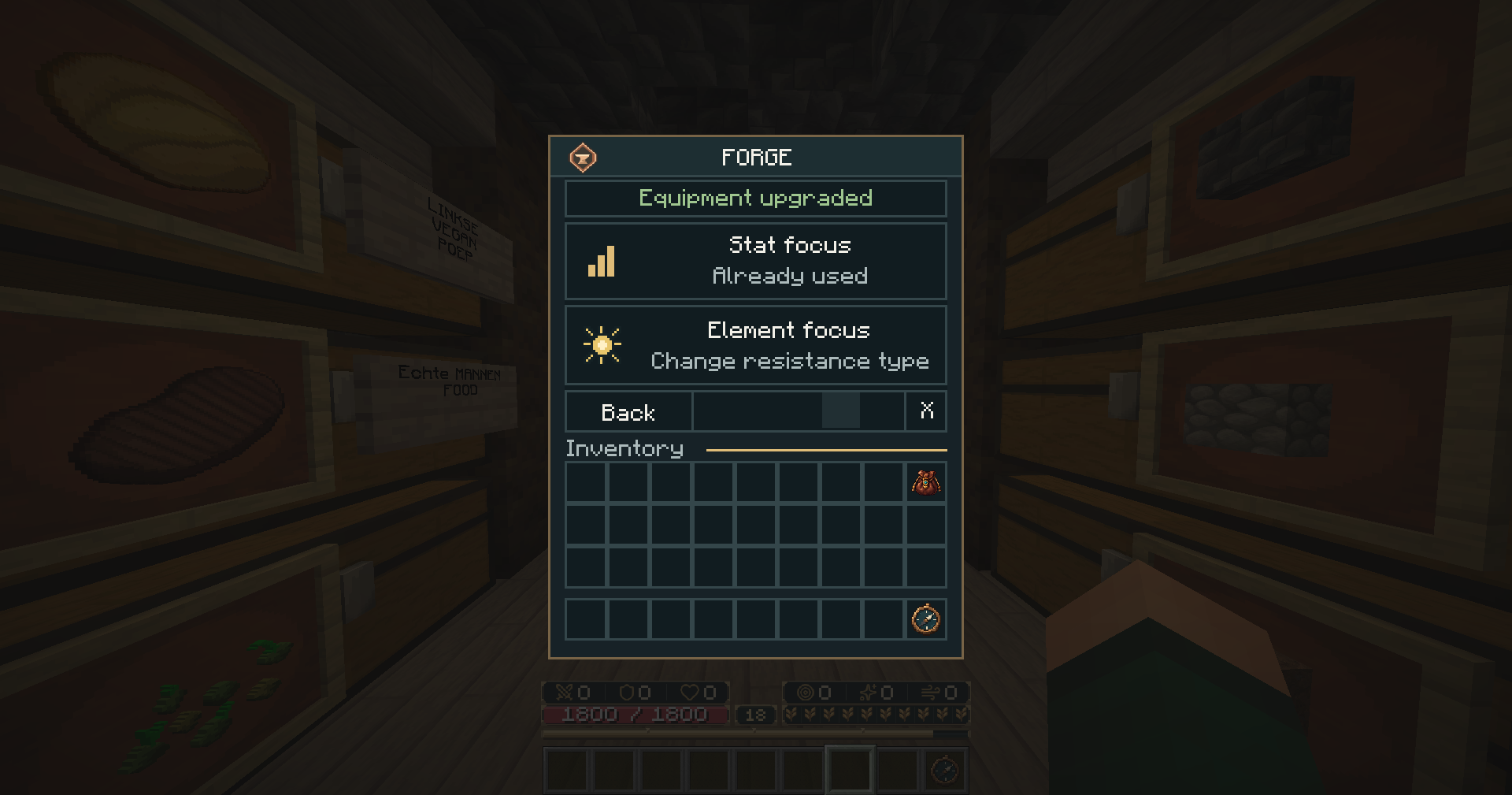
Select Confirm. The Forge reports Equipment upgraded and marks Stat Focus as Already used for this piece.
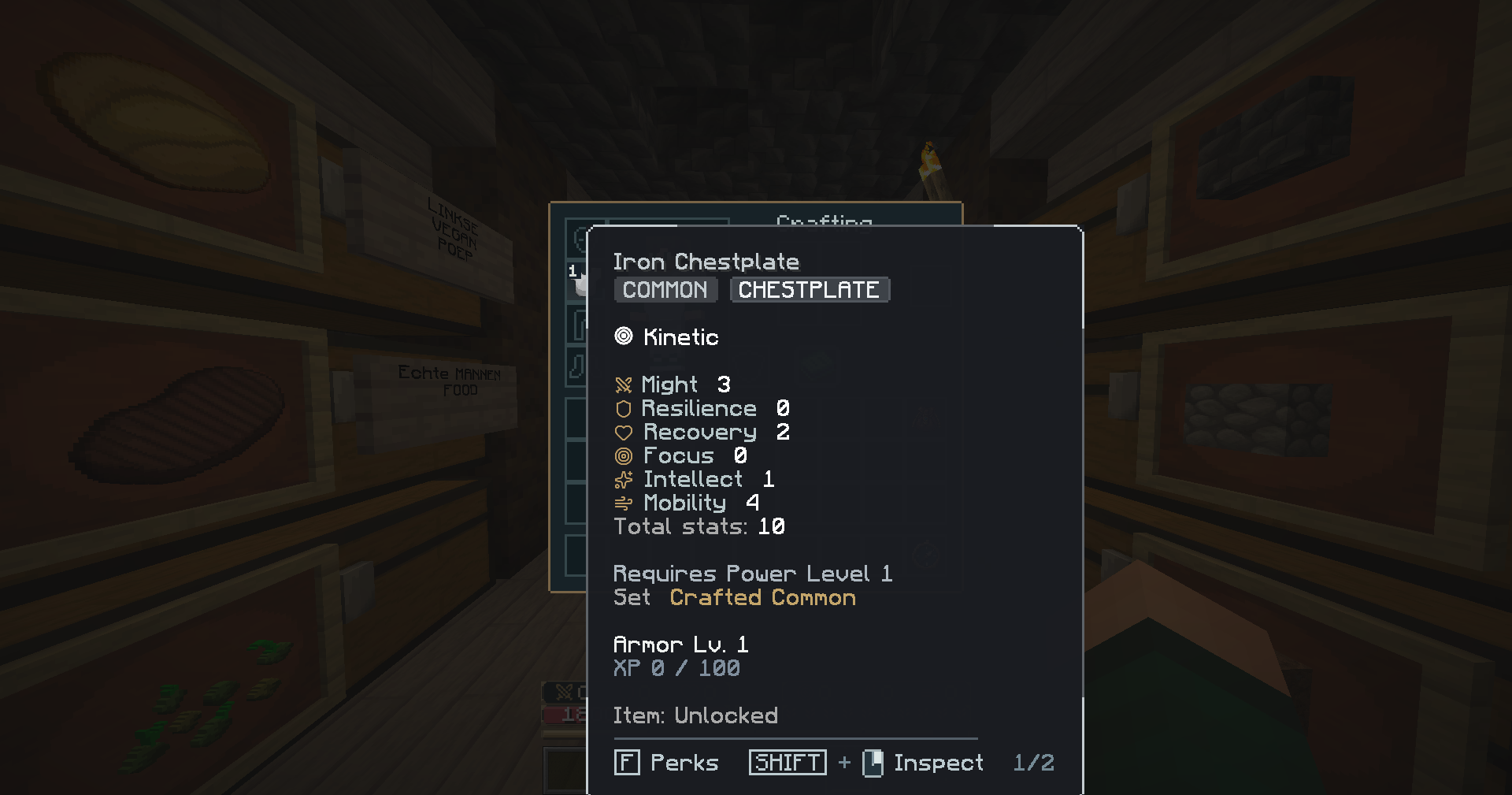
Close the Forge and inspect the same chestplate in the equipment slot. The tooltip now shows Might 3 and Recovery 2. Its total is still 10, and the rarity and Kinetic resistance are unchanged.
How the Salvage Bench works
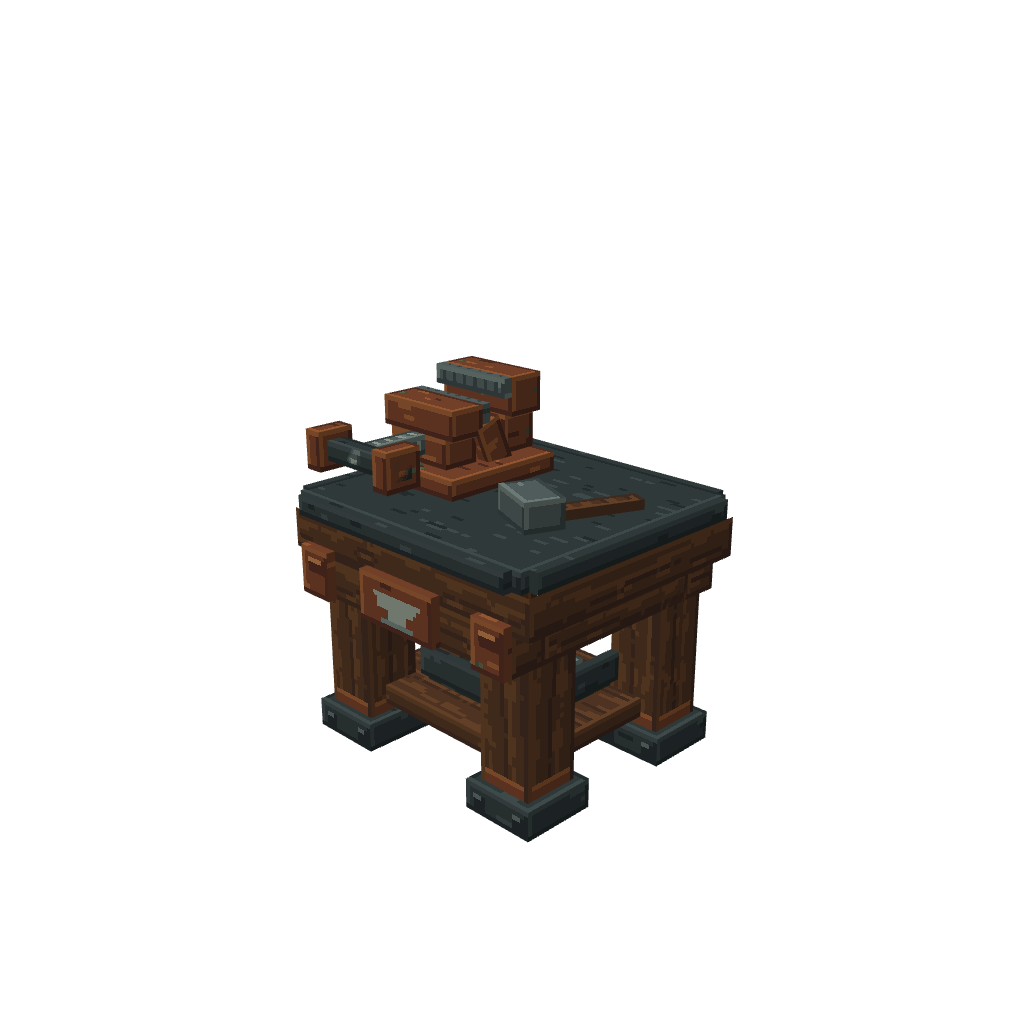
The Salvage Bench gives you Parts from equipment you no longer use. Hold one eligible piece of equipment in your main hand and right-click the bench. The action bar shows the Parts you would receive. Right-click the same bench again within five seconds to confirm, then pick up the Parts to send them to your Material Pouch.
Salvaging consumes the equipment and any progress or perks on it. Armor gives Armor Parts, weapons give Weapon Parts and tools give Tool Parts. The preview shows the actual amount. A Common iron armor piece has a base yield of two Armor Parts before bonuses. Locked items are protected.
For the equipment requirement and perk tooltip, see Armor & the Armory.